Photo Tools · · 7 min read
Written by Saleh S.
Saleh S. - Author & Developer at IMG Harvest. Read author bio.
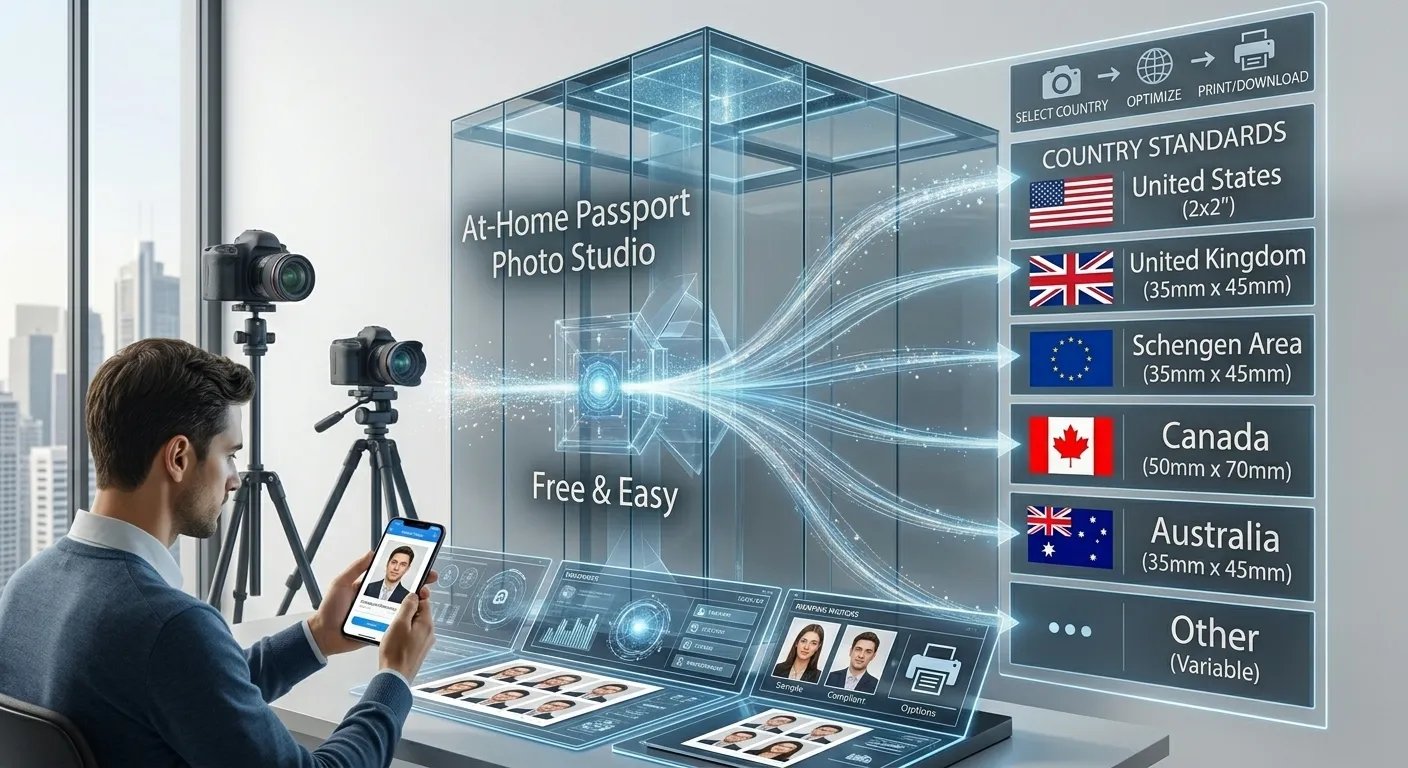
Passport photo studios charge a surprising amount for a simple headshot. With a smartphone and a plain wall, you can produce a fully compliant passport or ID photo at home in minutes - as long as you follow the official size and framing rules for your country.
The Official Rules Every Passport Photo Must Meet
Nearly every government applies the same core requirements, regardless of exact dimensions. Your photo must be recent, in color, with a plain white or off-white background, a neutral expression with both eyes open, and no shadows on the face or background. Hats, headphones, and tinted glasses are not allowed, and the head must be centered and facing the camera directly.
- US passport and visa: 2 x 2 inches (51 x 51 mm), taken within the last 6 months.
- EU, UK, and Schengen: 35 x 45 mm with the head filling 70-80% of the frame.
- Canada: 50 x 70 mm, one of the largest standard ID photo formats.
- China: 33 x 48 mm, typically requiring a light blue or white background.
Setting Up the Shot at Home
Stand about one meter in front of a plain wall in daylight, avoiding direct sunlight that casts hard shadows. Place the phone at eye level, roughly 1.5 meters away, and use the rear camera for sharper detail. Ask someone else to take the shot if possible - selfies distort facial proportions at close range.
Cropping to the Exact Required Size
Once you have a clean photo, it must be cropped to the precise dimensions and aspect ratio your authority requires. Our passport photo maker lets you pick the country preset - US 2x2, EU 35x45 mm, Canada, China, and more - then drag and resize a locked-ratio frame over your head and shoulders. The output is a print-ready JPG at 300 DPI, generated entirely in your browser.
Printing Without a Photo Lab
Print on glossy or matte photo paper at 300 DPI or higher - never on plain paper, and never with visible screen grain. Printing several copies on one sheet (a grid of 4 or 6 identical photos) is the standard approach and saves money when you need spares for multiple documents.
- Check that the printed head size falls inside the allowed range for your country before cutting.
- Do not digitally retouch skin, remove marks, or adjust brightness after capture - altering the face invalidates the photo.
- Store a digital copy; most applications now accept or require the digital file alongside prints.
Key Takeaways
A compliant home passport photo comes down to three things: a plain lit background, a neutral front-facing expression, and an exact-size locked-ratio crop. Get those right and your DIY photo is indistinguishable from a studio shot - at zero cost.
Ready to put it into practice? Try the passport photo maker - free, in-browser, and private.