Text Extraction · · 6 min read
Written by Saleh S.
Saleh S. - Author & Developer at IMG Harvest. Read author bio.
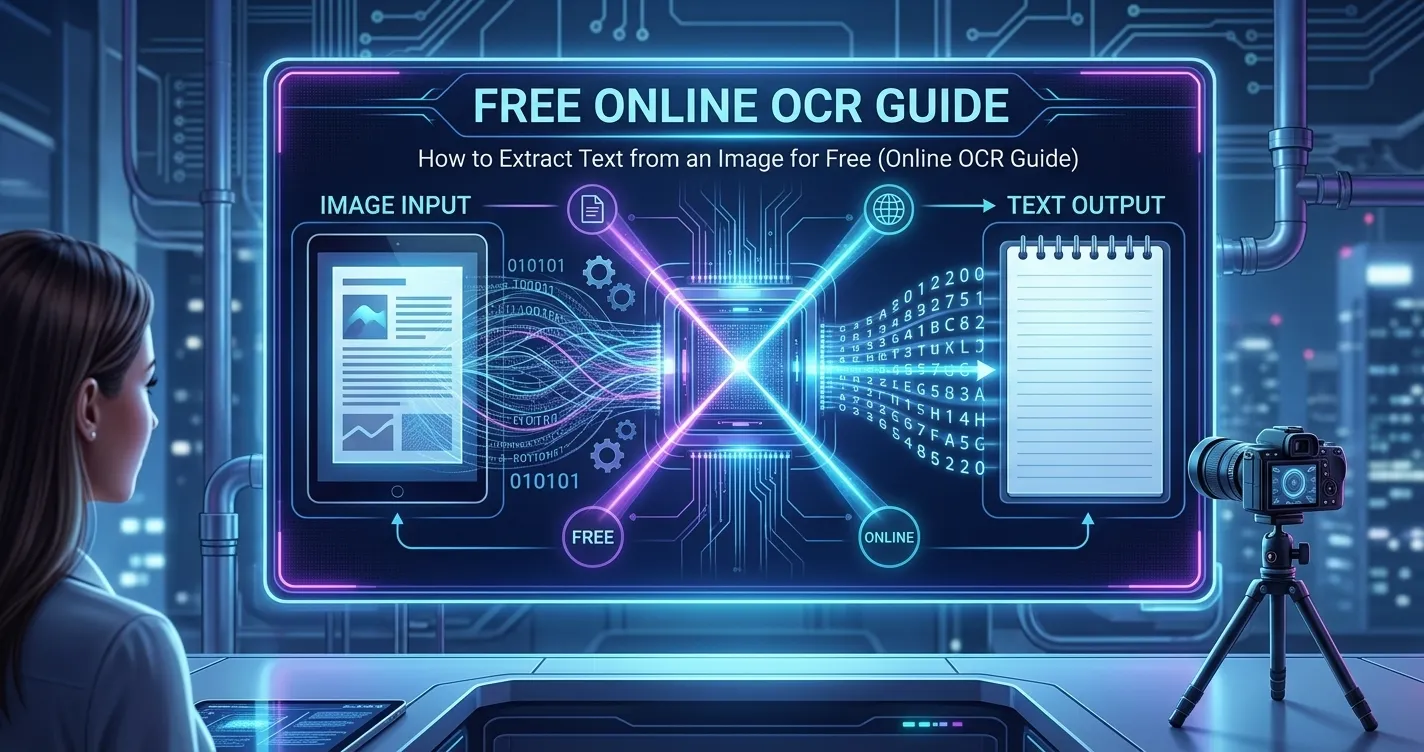
That contract photo, textbook screenshot, or scanned form contains text you cannot copy. OCR - optical character recognition - solves this by reading the pixels and converting them into editable, selectable text, and modern browsers can now do it locally without uploading a single file.
What OCR Actually Does
An OCR engine scans an image for glyph shapes, groups them into lines and words, and maps them to the most likely characters in the chosen language. The output is plain text you can copy into a document, spreadsheet, or search field - no manual retyping.
- Photos of printed pages, receipts, and business cards.
- Screenshots containing error messages, code, or chat logs.
- Scanned PDFs and forms that lack a selectable text layer.
Extracting Text in Your Browser (No Upload)
With a browser-based OCR tool like ours, you upload a photo, choose a language - or leave Auto to detect English, Arabic, French, Spanish, or German automatically - and the recognized text appears alongside the image in seconds. The image never leaves your device, which matters for sensitive documents like IDs and invoices.
Getting Cleaner, More Accurate Results
OCR accuracy depends far more on the input than on the engine. Clear, high-contrast, upright text converts almost perfectly, while blurry or skewed shots multiply errors.
- Shoot in good lighting with the page flat and parallel to the camera.
- Higher resolution helps - zoom rather than photograph from a distance.
- Match the language setting to the document; mixed Arabic-Latin pages benefit from Auto mode, which runs both scripts and picks the stronger result.
- Crop out decorative borders, watermarks, and background photos before recognition.
What to Do with the Extracted Text
Once copied, the text can be edited in any word processor, translated, searched, or archived digitally. For multi-page documents, process each page as its own image and paste results in sequence, or export the text into a document for permanent storage.
Key Takeaways
OCR turns locked image text into content you can actually use. Keep the input sharp and well-lit, pick the right language, and a free browser tool will handle a page of text faster than you could type the first paragraph.
Ready to put it into practice? Try the image OCR tool - free, in-browser, and private.